
Free stays complete
Unlimited tasks, subtasks, projects, and tags. Attachments, Forecast, timers, basic Review, backups, and exports are all free.
Your day, clearly in view.
From quick capture, planning, and reminders to focus timers, Review, and time insights, Modocus keeps the whole task loop on your iPhone. No account. No ads.
iPhone 1.0 · Preparing for App Store release

Capture, planning, execution, and reflection connect naturally while preserving the control you expect from local software.
Unlimited tasks, subtasks, projects, and tags. Attachments, Forecast, timers, basic Review, backups, and exports are all free.
Today helps you choose the work, timers record real effort, and Review plus insights help calibrate the next plan.
Core task data stays on your device and no Modocus account is required. Selected content leaves only when you choose a network feature.
Six connected scenes cover the path from capturing a thought to understanding where the time went.
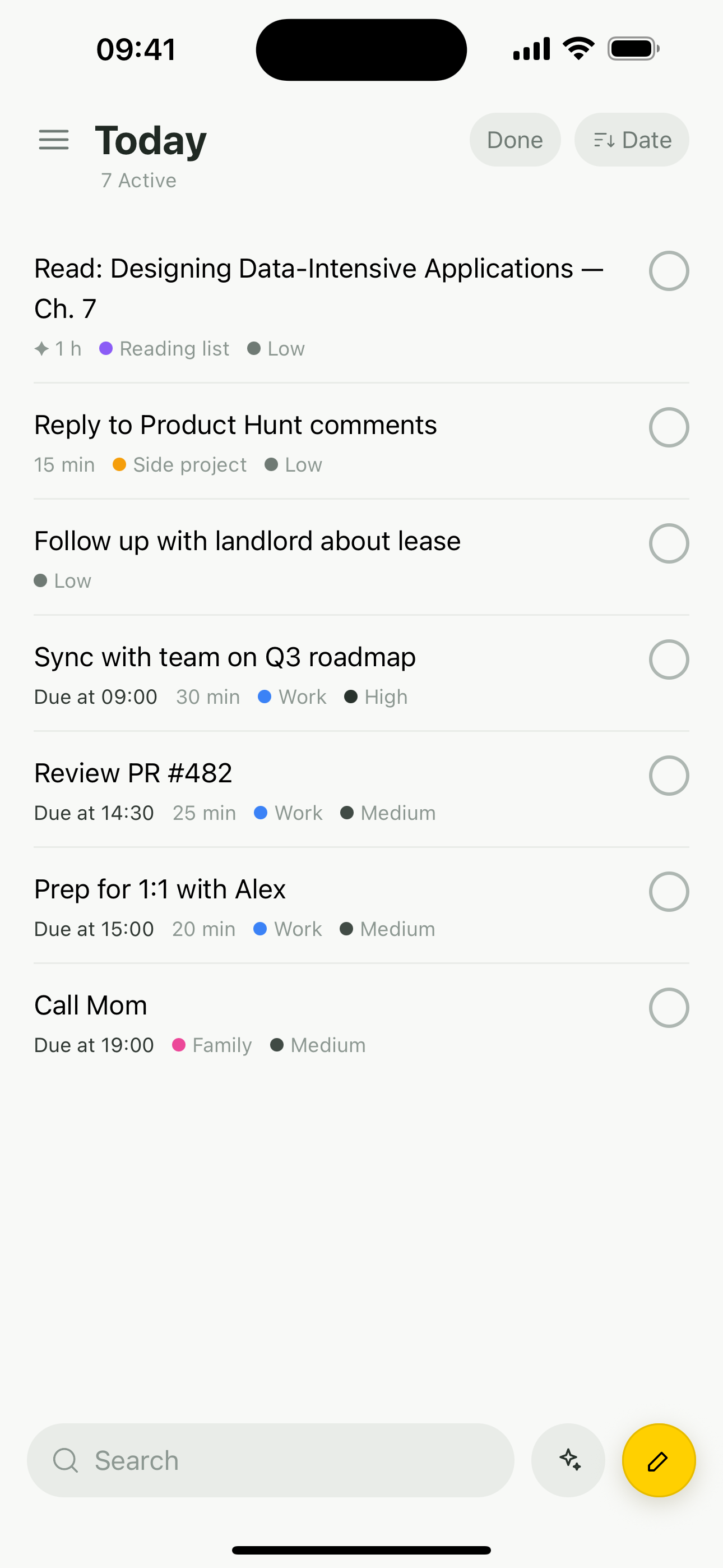
Today keeps the work you arranged in one quiet list. The bottom capture bar is always ready to search or create, while the full editor handles richer details.
Forecast shows the next seven days and the wider month. Due dates, planned starts, and surface dates stay distinct so deadlines and gentle reminders keep their meaning.

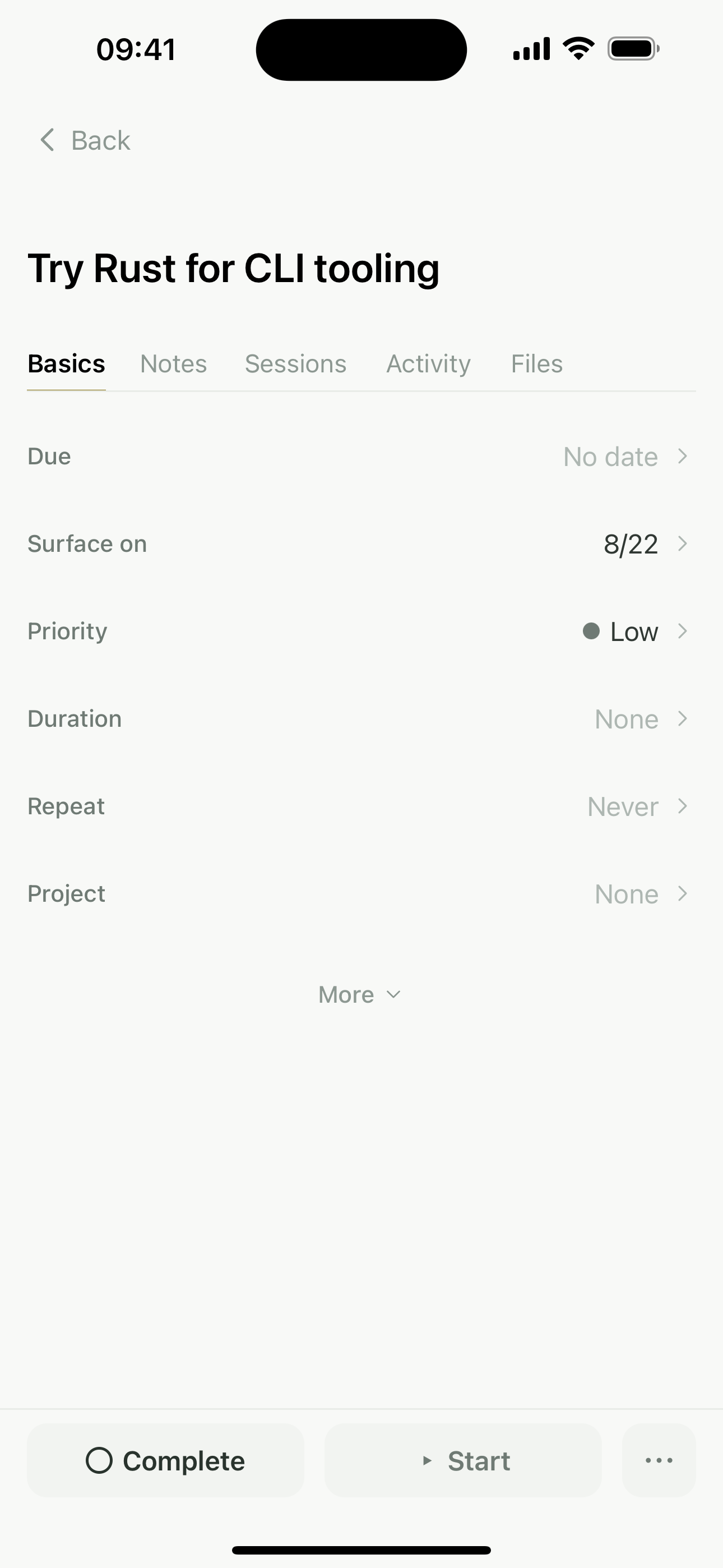
Log multiple focus or background sessions for a task, even while the app is elsewhere. Task detail keeps steps, notes, attachments, recurrence, and history in context.
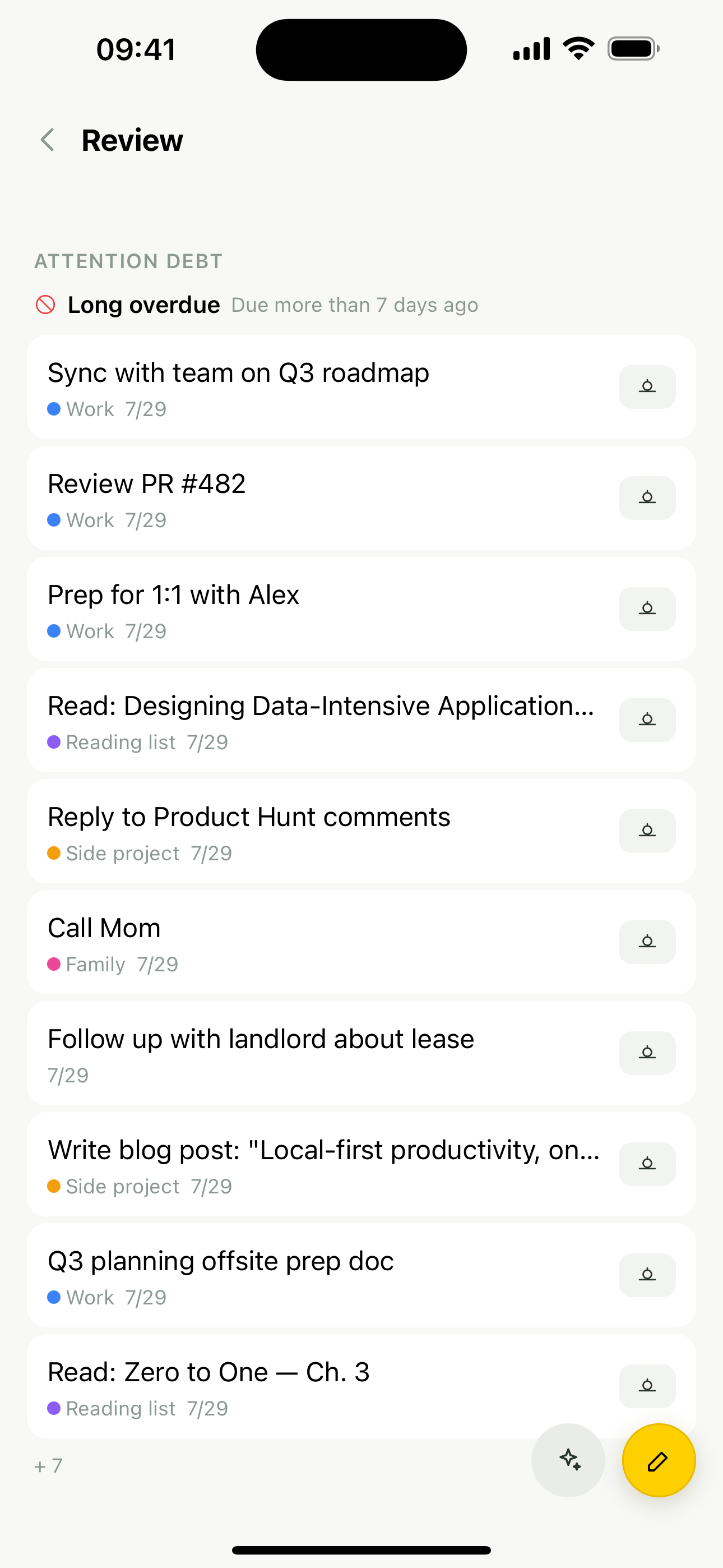
Basic Review surfaces attention debt for free. Pro adds project review cadence, a due queue, and weekly reminders so a trusted system does not depend on memory.
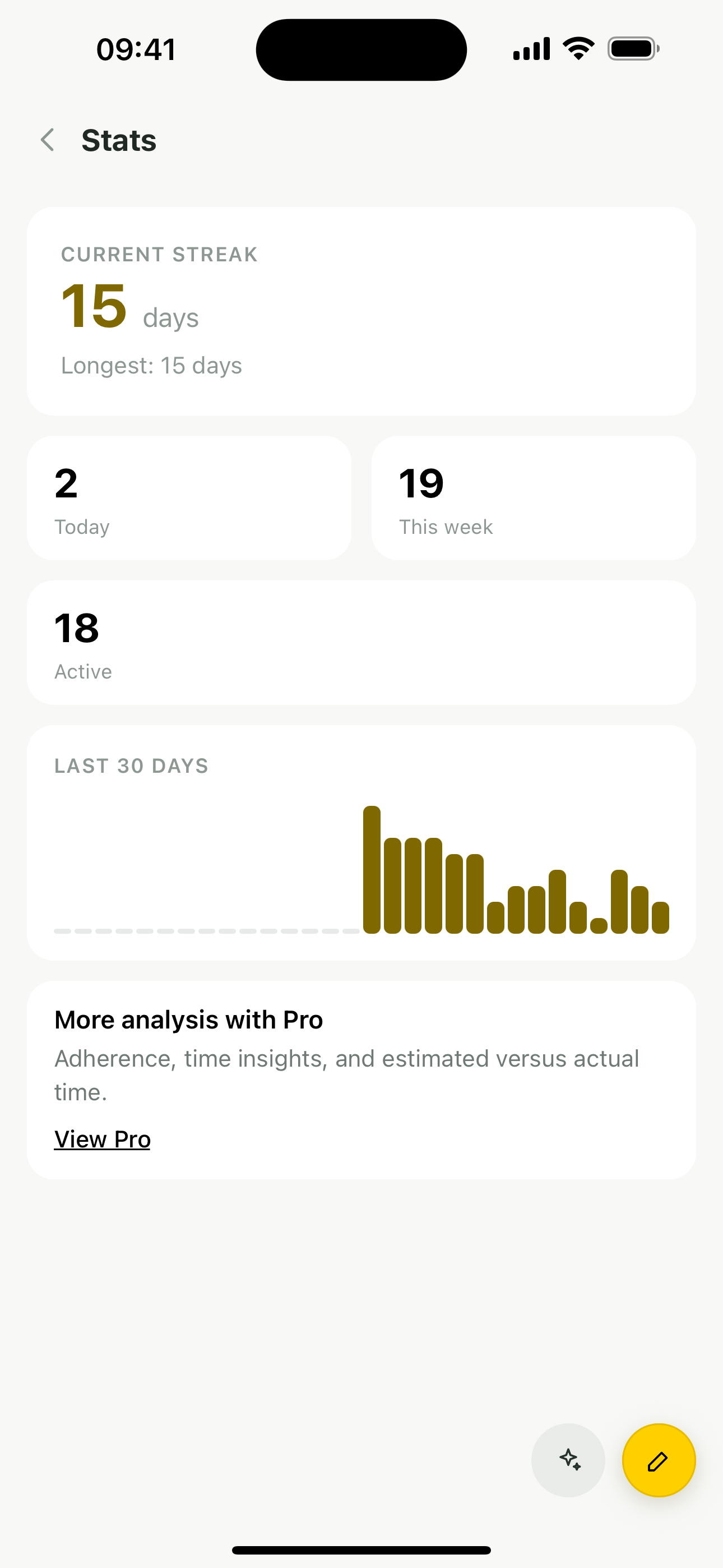
Recording stays free. Pro time insights, adherence, and estimate-versus-actual analysis turn sessions and completion history into useful feedback.
Meeting import is separate and does not use the Free pool. The Free pool is 30 operations per device, resets at the start of each UTC calendar month, and is shared across Assistant chat, task insights, and cloud/network voice fallback; on-device transcription uses none.
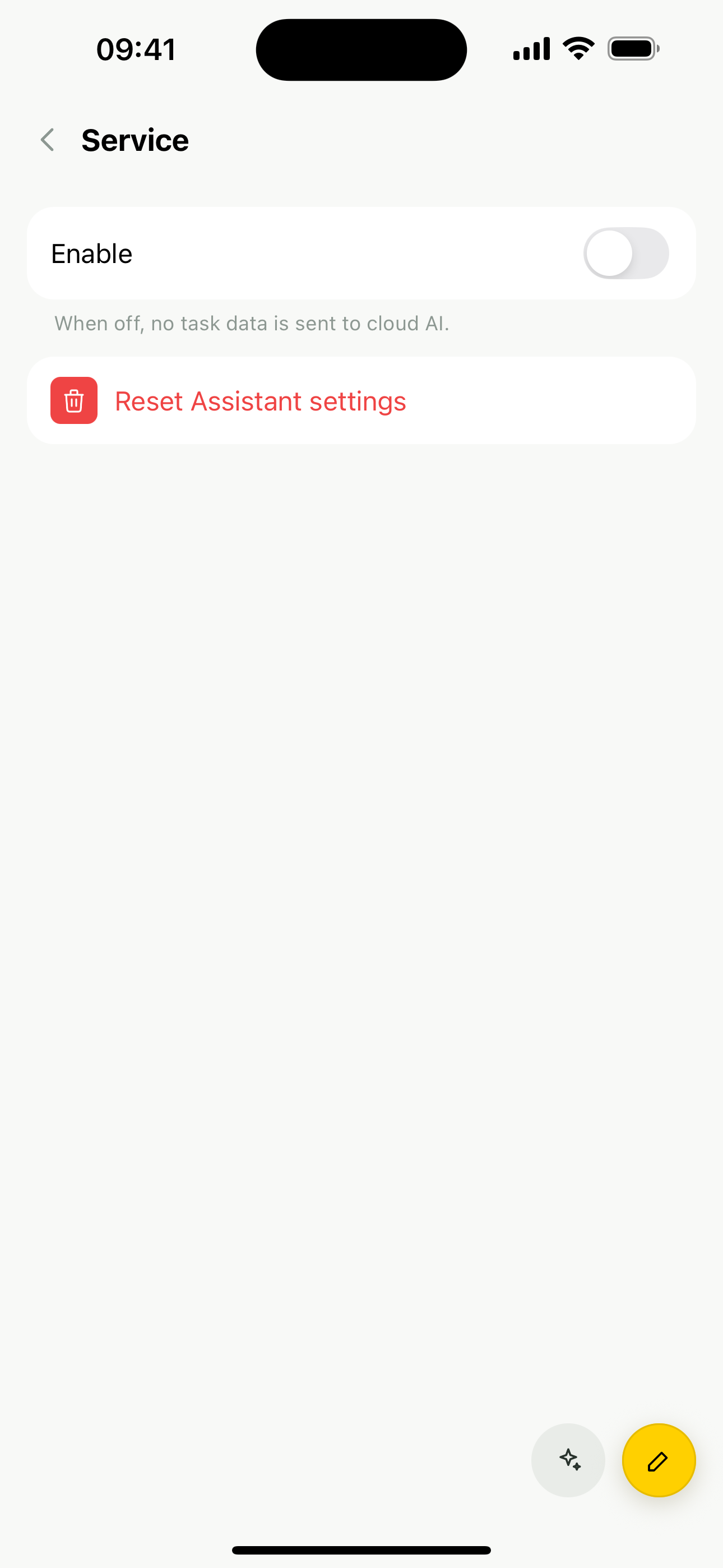
Pro is a one-time purchase for deeper local tools. Pro+ includes Pro while subscribed and adds the AI service without your own API key.
A complete local task loop with no quantity wall.
Your data always remains readable, backed up, and exportable.
Permanently unlock every Pro local feature.
Includes new Pro features released within 12 months of purchase; everything unlocked stays yours.
All Pro features while subscribed, plus the AI service.
Cancelling stops the next renewal. Access continues through the paid period and your data is never deleted.
The App Store shows the actual local price and currency.
Apple handles purchases. Restore purchases or manage the subscription inside the app.
No account and no stored request bodies should never mean hiding where data goes. Every path off the device should be understandable and optional.
Read the full Privacy PolicyTasks, projects, notes, attachments, timers, and event history remain local. Modocus needs no app account and includes no ads or in-app behavior-tracking SDK.
When you choose your own AI provider, content you deliberately submit goes directly from the device to that provider. The key stays in system secure storage and is not sent to Modocus.
With subscription AI or free operations, selected prompts, task context, or audio are forwarded via Modocus to an AI provider. Modocus does not persist request or response bodies.
Optional task coordinates and addresses stay as local task data. Access to your current location in the foreground is requested only when you open and use the location picker. Apple Maps and the system reverse geocoder receive ordinary map and geocoding requests.
The iPhone 1.0 release is being prepared for the App Store. Leave your email and we will send one message when it is available.
Free has no local task limit and includes attachments, Forecast, timers, basic Review, backup and export, and on-device voice capture when supported. Its pool is 30 operations per device, resets at the start of each UTC calendar month, and is shared across Assistant chat, task insights, and cloud/network voice fallback. Meeting import is excluded; on-device transcription uses none.
Pro is a one-time purchase that permanently unlocks deeper local features and lets you use your own API key. Pro+ is monthly, includes Pro while active, and provides 400 AI operations per period without your own key.
Core task data stays locally on your iPhone. No Modocus account is required. Backup, restore, and export are available in the app.
No. AI can propose creating, rescheduling, or editing tasks, but nothing is written until you explicitly confirm it.
The interface supports English, Simplified Chinese, Traditional Chinese, Japanese, Korean, German, French, Spanish, Italian, Brazilian Portuguese, Russian, Ukrainian, and Turkish.
You keep access through the current paid period. After it ends, subscription AI stops. Pro-only entries lock unless you separately own Pro, but tasks, attachments, journals, backups, and exports are never deleted.
Leave your email and we will send one message when the iPhone app is available on the App Store.
One launch message · never used for ads · request deletion at hello@modocus.app